
WebsitePro Meet
Your own video meeting room, on your website
Your clients click a button on your site and you are face to face. Your name and your logo on the room. Nothing to install, no account for your client, and no 40 minute cut-off.
What you get
- Your business name and logo on the room and on the invite
- A Meet with us button for your website
- Invite by email, WhatsApp or calendar
- Meetings of up to 2 hours
- Record a meeting and download it afterwards, kept for 90 days
- Chat inside the meeting
- Works in the browser on a phone or a computer
- Up to 8 people in a meeting
Most free meeting tools cut you off after 40 to 60 minutes and show their brand, not yours.
What your client sees
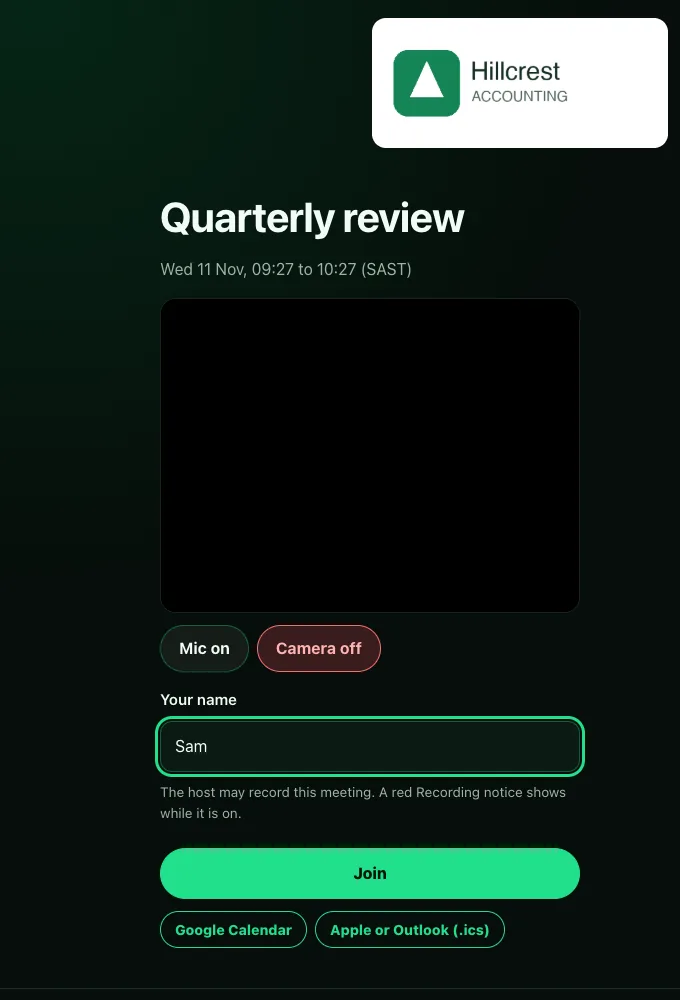
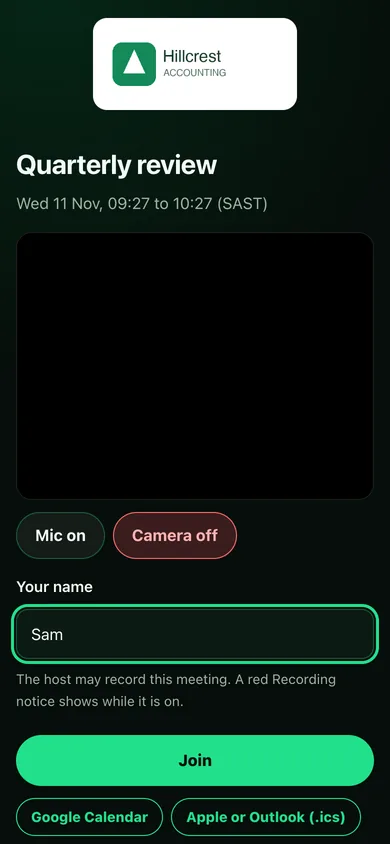
A demo business, shown as a client would see it.
How it works
- Your client clicks the Meet with us button on your website.
- They land on your own meeting page, with your name and logo. It shows a Join button when a meeting is live, or tells them there is no meeting right now.
- You start the meeting from your WebsitePro client portal and let your client in. You can also send an invite by email, WhatsApp or calendar for a time you choose.
Add-on
R100 a month, added to your hosting. R500 once-off setup.
A 5 page website with its own meeting room: R200 a month.
WebsitePro Meet is an add-on for websites hosted with WebsitePro. See the hosting prices.
Ready to get your business online?
Send us a WhatsApp. No forms to fight with, no jargon.